Work with what you already own.
Record your frames, stands and components. Check condition, compatibility and availability before the next deployment.
Record equipment, components, condition and custody. Build pick and return lists, and plan the complete unavailable interval.
Work through the detail.
All practical guidesOrganise the equipment you already own
Create an inventory that supports the next booking, pick list and replacement-graphic brief.
Read the guide 3 minequipmentReserve equipment for the whole unavailable interval
Include travel, setup and return inspection so one frame is not promised to two campaigns.
Read the guide 3 minequipmentBuild a pick list from components, not a product nickname
A display kit is ready only when the required parts and instructions are present.
Read the guide 3 minequipmentInspect returns before making equipment available
Use condition and custody records to turn a returned box into a reliable asset state.
Read the guide 3 minequipmentRecord packing and crease-management instructions
Keep packing and crease questions tied to the actual printed textile, transport and storage method.
Read the guide 3 minequipmentTrack components across refurbishment work
Track retained, replaced and refurbished components through actual custody and condition records.
Read the guide 3 minequipmentBuild a fixture-specific graphics record
Connect each retail fixture to its actual graphic dimensions, attachment and current campaign variant.
Read the guide 3 minequipmentCompare reusable frames with changing inserts
Compare retained frames and new inserts using actual fit, condition, handling and campaign requirements.
Read the guide 3 minequipmentRecord missing or damaged point-of-sale items
Record missing and damaged retail items at the level needed for a responsible replacement or remedy.
Read the guide 3 minequipmentDesign a return flow for campaign components
Give campaign components a practical return path with ownership, collection and inspection responsibilities.
Read the guide 3 minequipmentBuild an open-day graphics inventory
Inventory the actual graphics and display kit needed for an open day, with current message and condition states.
Read the guide 3 minequipmentPlan exhibition changeovers with retained structures
Plan exhibition changeovers around retained structures, accepted condition and new graphic requirements.
Read the guide 3 minequipmentDocument the next use of a temporary exhibition component
Document a temporary exhibition component’s next proposed use without presenting storage or intention as completed reuse.
Read the guide 3 minPhotography & image credits
Photographs illustrate display, production and venue contexts; pictured organisations are not endorsements or verified partners.
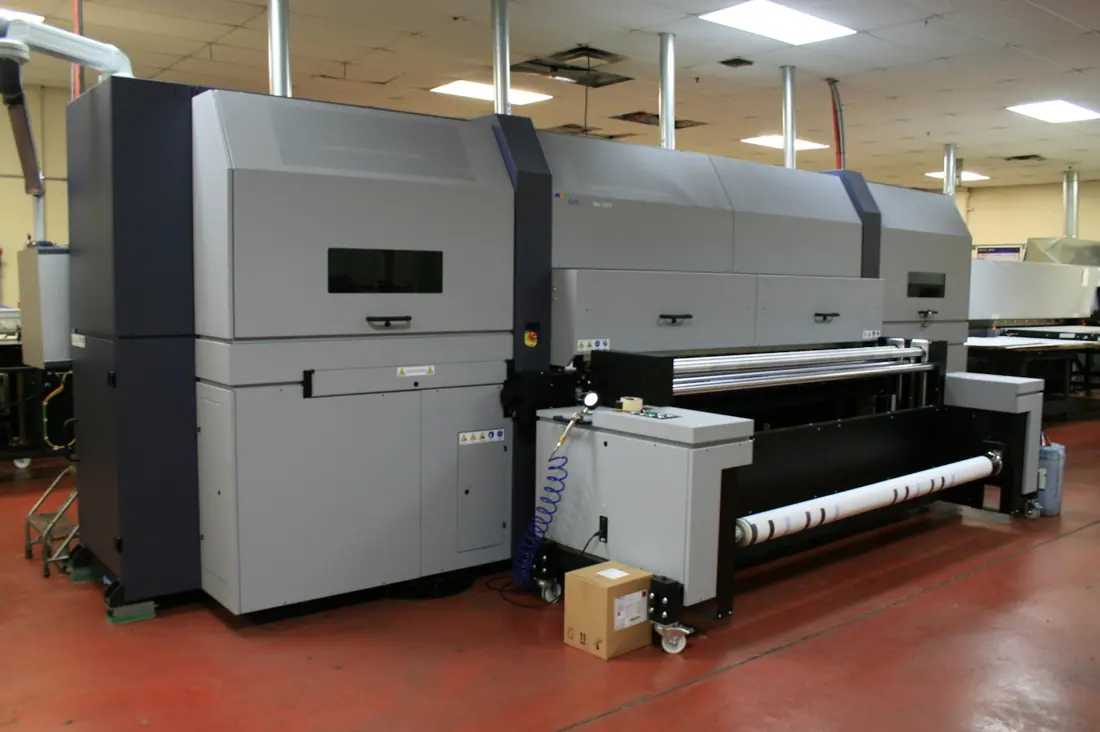
- Digital Printing Press.JPG — Coylegenec. CC BY-SA 3.0. Resized and converted to WebP; composition retained. Display may be fitted to the layout. The optimised photograph retains those reuse terms: download image.