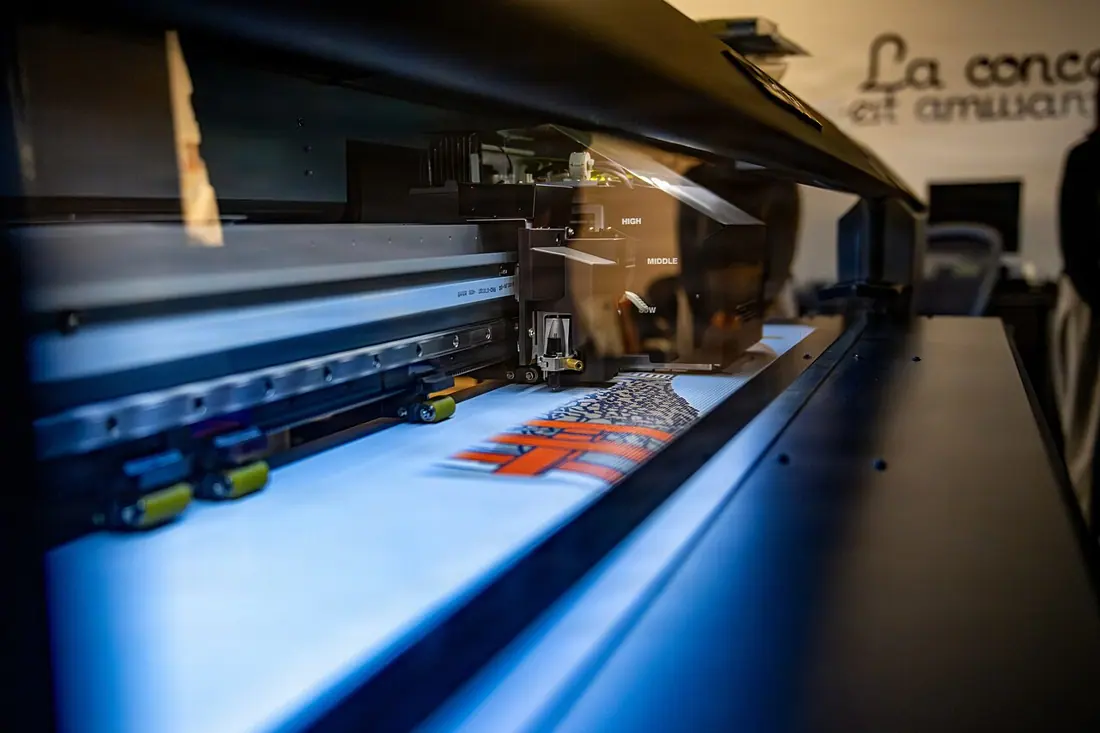
A better handover starts with clear artwork.
Keep dimensions, scale, bleed, file versions and review decisions together. Give your production partner the exact information they need.
Check geometry, calculate scale and effective PPI, then prepare a controlled review. Provider acceptance and specialist preflight remain explicit requirements.
Work through the detail.
All practical guidesKeep trim, bleed and safe areas distinct
Prepare artwork geometry using the selected provider’s template and finishing instructions.
Read the guide 3 minartworkCalculate resolution at the final output size
Use pixel dimensions and finished size to make an image-resolution question concrete.
Read the guide 3 minartworkWrite the scale into the artwork handover
Make reduced-size artwork unambiguous when it represents a larger physical graphic.
Read the guide 3 minartworkApprove a proof for a named purpose
Separate content, visual, technical and commercial decisions so approval means what everyone expects.
Read the guide 3 minartworkSend one controlled file pack to the selected supplier
Replace ambiguous attachments with a manifest that ties files to a specification and approval scope.
Read the guide 3 minartworkAgree how colour will be judged
Record the accepted reference and viewing conditions before different teams compare different things.
Read the guide 3 minartworkGive designers a brief they can act on
Give designers a clear communication problem, measured constraints and an explicit review route.
Read the guide 3 minartworkChoose the correct artwork template for a system
Match a template to the exact system, configuration and production convention before placing artwork.
Read the guide 3 minartworkRun a simple approval link workflow with external colleagues
Prepare an external review that names the version, decision scope and access boundary.
Read the guide 3 minartworkManage multilingual campaign artwork without losing ownership
Keep each language version tied to an approved content owner, proof and site allocation.
Read the guide 3 minartworkLock brand elements while allowing local information
Define which brand elements stay fixed and which local fields may change under named authority.
Read the guide 3 minartworkResolve contradictory feedback from several reviewers
Resolve conflicting feedback through the responsible decision owner before creating another proof.
Read the guide 3 minartworkCreate an artwork archive that people can actually search
Organise an artwork archive around purpose, variants, rights and accepted versions rather than filename guesses.
Read the guide 3 minartworkRecognise missing fonts and substitution risks
Treat font availability, substitution and licensed use as explicit file-preparation questions.
Read the guide 3 minartworkUnderstand transparency and overprint checks
Route transparency and overprint questions through the actual production file, profile and provider workflow.
Read the guide 3 minartworkPrepare cut paths as part of a controlled specification
Define cut geometry, finishing intent and file conventions with the selected provider.
Read the guide 3 minartworkHandle files with embedded links and external assets
Keep linked assets, embedded content and their permissions traceable through the authoring and output workflow.
Read the guide 3 minartworkPreserve a production file without silently editing it
Preserve the accepted production artifact and make every correction an attributable new version.
Read the guide 3 minartworkControl a change in ink or print process
Treat a changed ink or production process as a reviewable change to the accepted specification and appearance.
Read the guide 3 minartworkMaintain quality checks across several production sites
Coordinate comparable quality checks across production sites while preserving each site’s actual results and process context.
Read the guide 3 minPhotography & image credits
Photographs illustrate display, production and venue contexts; pictured organisations are not endorsements or verified partners.
- Wild Weasel Walk-Through- 35th Force Support Squadron marketing and publicity office (9834647).jpg — U.S. Air Force photo by Airman 1st Class Hannah Bench. Public domain. Resized and converted to WebP; composition retained. Display may be fitted to the layout. The optimised photograph retains those reuse terms: download image.