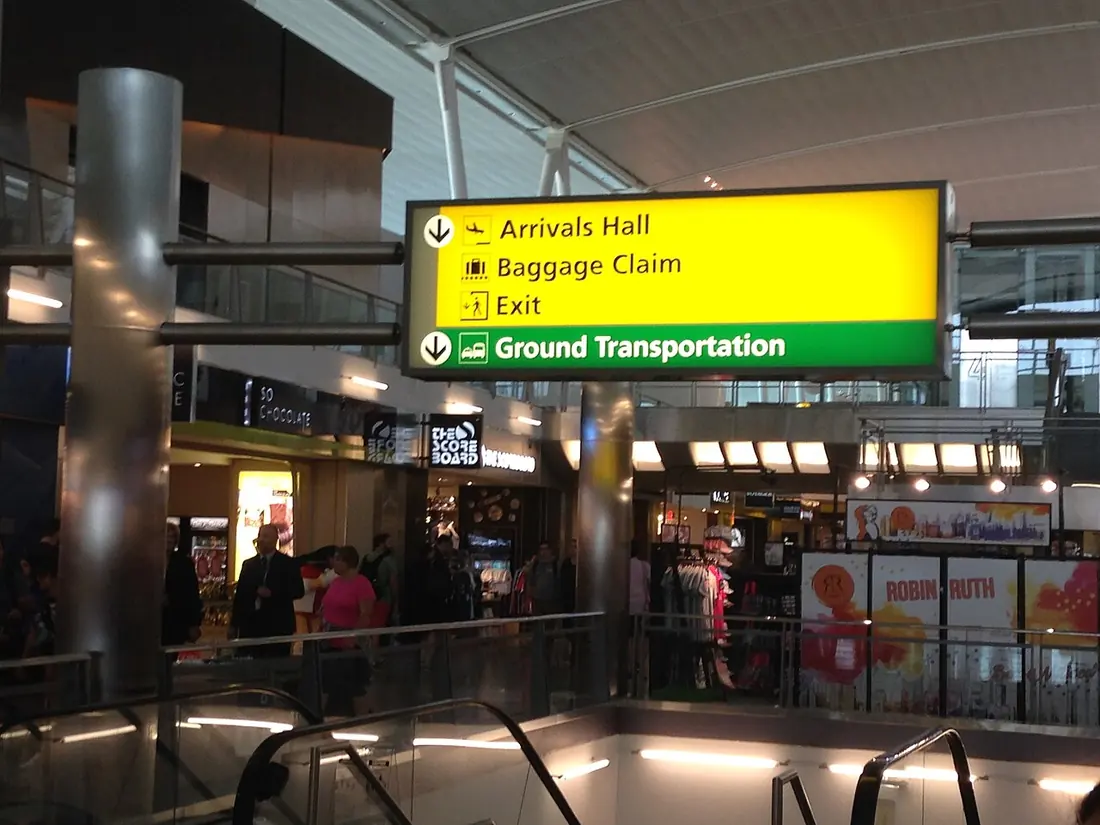
Understand the construction
Directional sign systems guide people between destinations through a coordinated set of messages and placements. The system includes names, arrows, decision points, physical signs and update responsibilities; it is more than a collection of attractive panels.
For a venue with several entrances, follow the actual visitor routes and identify where a person must decide between options. A sign that is correct in isolation can still be confusing if the next sign uses a different destination name or is absent at a turn.
Specify the actual job
Specify the agreed destination vocabulary, arrow convention, locations, viewing conditions and sign constructions. Assign a content owner and record whether information changes temporarily or permanently. Test the intended routes with representative users and consider the need for other formats or assistance alongside visual signage.
Limits and evidence
Do not assume a clear font or matching colour alone establishes an accessible, successful navigation system. Placement, glare, competing messages and outdated names can undermine use. General orientation signs should not be silently treated as compliant emergency or regulatory signage without the required responsible assessment.
Keep a surveyed location schedule, approved message list and evidence of the chosen route review. Material and installation evidence still need to address each construction and setting. Record unresolved destinations or access arrangements rather than guessing an arrow to make the artwork appear complete.
Next useful action
Use the sites planner to link every sign to a decision point and the approvals planner to retain the authorised message revision. Agree a check of the full route and an update owner before producing isolated signs that could contradict one another.
Take it to the next job
- Specify the agreed destination vocabulary, arrow convention, locations, viewing conditions and sign constructions.
- Keep a surveyed location schedule, approved message list and evidence of the chosen route review.
- Use the sites planner to link every sign to a decision point and the approvals planner to retain the authorised message revision.